 Kakobuy Spreadsheet QC Scope
Category index of the Kakobuy Spreadsheet
The full sixteen-category wall, then what a find card carries, how to judge a listing before you pay, and the two search paths for anything the wall does not show.
Finds by category
Each card names its category and the kind of link behind it: Category opens a filtered index, Search results opens a live query. Prices and stock live on the listing, not on the card.

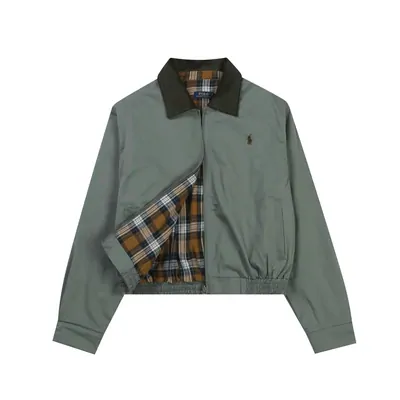
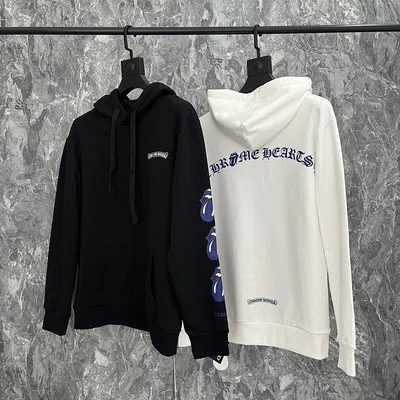
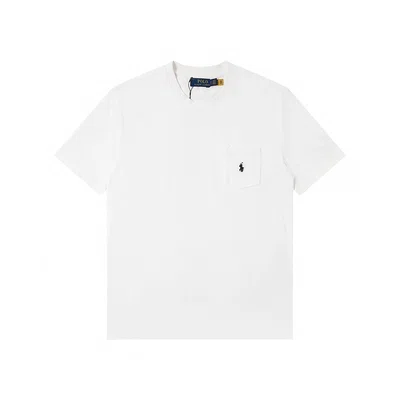

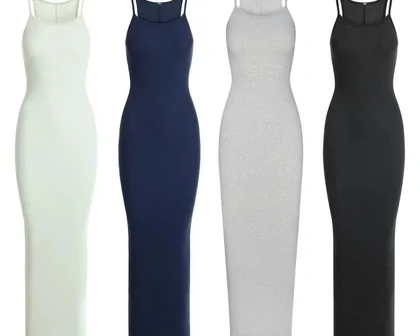
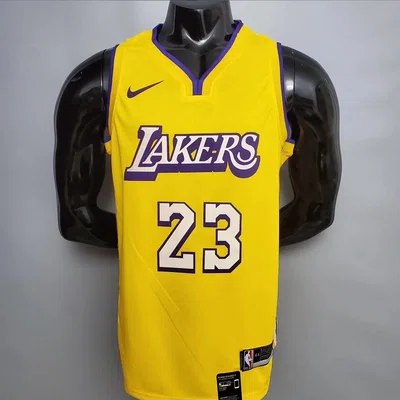

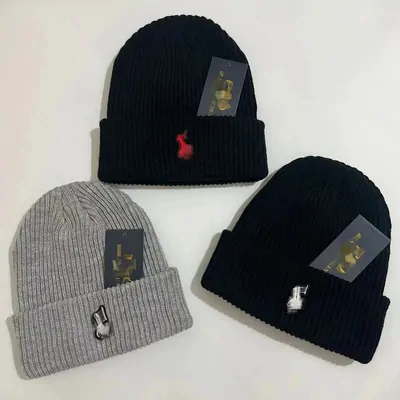

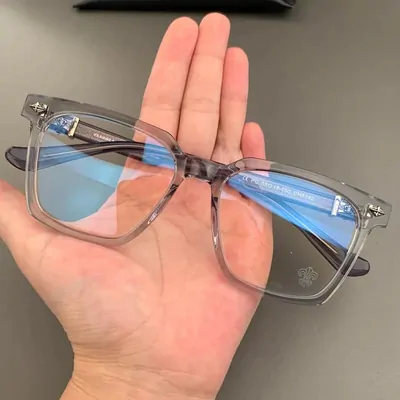


What a find card carries into an order
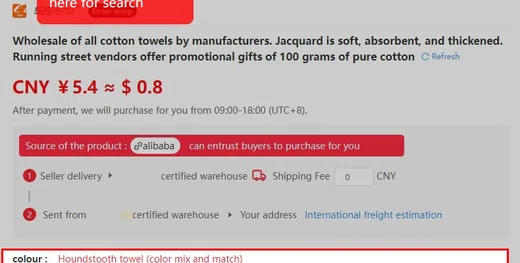
Official product page, read 2026-10-10Open any card and you land on a product page like this one: the listing price in yuan with an indicative dollar conversion, the purchasing window 09:00-18:00 UTC+8, and a banner naming the source platform. The agent buys during that window after you pay.
The card itself commits to nothing. Price can move between the moment a card was added and the moment you order, and the dollar figure on screen is not the final card charge, because conversion happens at payment. The fees page walks through that.
What does carry over is the URL. The listing link is the one object the finds list, the agent and the warehouse all agree on, which is why the scope reads in terms of your order, not in terms of any card.
Judging a listing before you pay
Help id 89 + listing UI, read 2026-10-10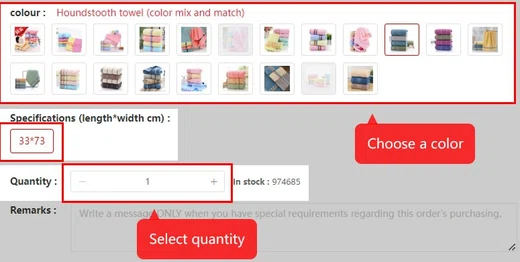
Picking the right item is mostly done before the agent is involved. On the listing: read the variant grid, not the gallery. The colour swatches and the specifications field are what the seller commits to; hero photos are marketing.
Write the exact variant into your order. For garments the warehouse checks size against the final comment on your order, per help id 89. A remark that says "33*73, houndstooth blue" gives the check something to verify. An empty remark gives it nothing.
Sales count and stock number sit right on the page. A listing with six-digit sales and five-digit stock behaves differently from a one-off: restocks are likelier, and the seller has a track record the agent can lean on when something is wrong.
Two search paths when a find is missing
Official tutorial, read 2026-10-10The wall is a starting set, not a boundary. The official search bar takes a pasted listing URL from any supported marketplace, and it also takes plain keywords for Taobao, Tmall, JD and 1688 catalogues. Type "towel" and you get the domestic catalogue, not a curated subset. There is an image-search button in the same bar for working backwards from a photo.
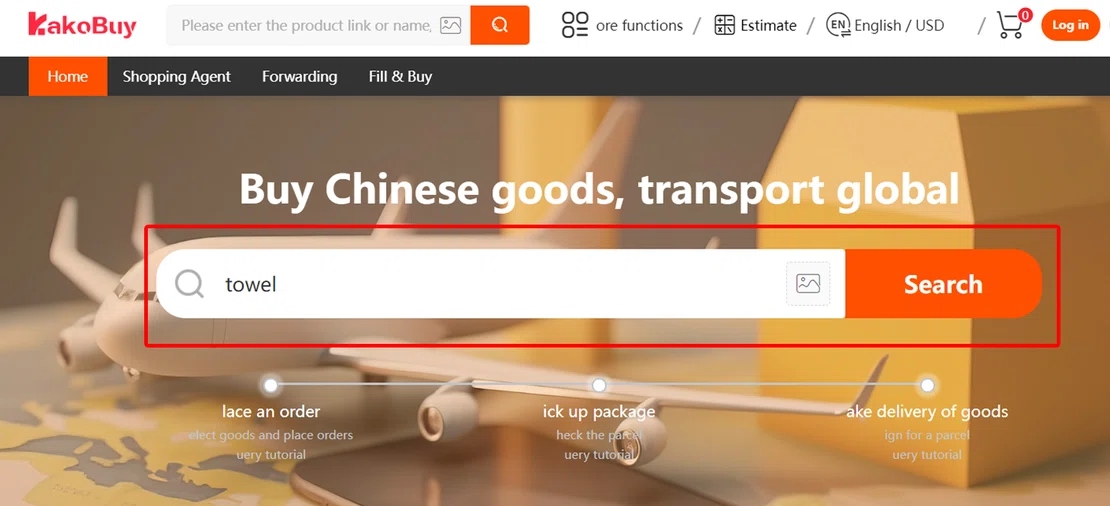
Platforms outside the keyword set go through the manual Fill and Buy form, where you paste the link and describe the item yourself.
Card picked and variant written down: registration on the official site is the step between a find and a stocked-in parcel.
Open the official Kakobuy siteCheck an item type first